
Let shoppers choose.
Offer a delivery date and time in the header and checkout. The selected window follows the customer through to their order details.
Date picker · Time windows · Delivery notes
Less waiting. Better planning.
Give every order a time that works. Let shoppers choose their delivery day and window, while you stay in control of availability, pricing and capacity.
Or use “Book a delivery slot” in the header.
No order needed to explore the calendar.
Your delivery. Your time.
Choose an available window
A better delivery experience
From groceries and gifts to local delivery runs, make the promise clear before the customer checks out.
Offer a delivery date and time in the header and checkout. The selected window follows the customer through to their order details.
Date picker · Time windows · Delivery notesLimit deliveries per window or per day. Temporary holds count towards availability, so your calendar reflects the places still available.
Slot capacity · Daily limits · Shopping holdsSet delivery weekdays, lead times and cut-offs. Exclude holidays and blackout dates, with overrides for days that need a different plan.
Weekday rules · Cut-offs · Date exceptionsOffer separate delivery methods, free-delivery thresholds and premium-window surcharges. Add distance-based pricing when your business needs it.
Delivery fees · Window surcharges · Free shippingCustomers can reschedule or cancel a delivery from My Account within your change rules. Your team can manage the booking from the order in admin.
Customer self-service · Admin reschedulingCarry the delivery window into order and shipment emails. Add reminder emails and calendar downloads, and export bookings for your delivery team.
Email details · Calendar links · CSV exportOne module. Your delivery options.
Start with one delivery method, or configure several services with separate prices, windows and capacity. This demo uses Qoliber Express so you can try selecting a time at checkout.
Explore the options at checkoutChoose from the available delivery dates and windows.
Try its live calendarAdd another method with its own schedule, capacity and fee.
Configure it in adminTry the real thing
Same module, two storefronts. Explore Luma or Hyvä and see how a delivery choice becomes part of checkout.
Choose one of the bags below. These simple products let you get straight to the delivery experience.
Open the header calendar, or enter an address at checkout and select a Qoliber delivery method to see its available windows.
Confirm the slot and continue to the payment step. See the delivery details alongside your order totals.
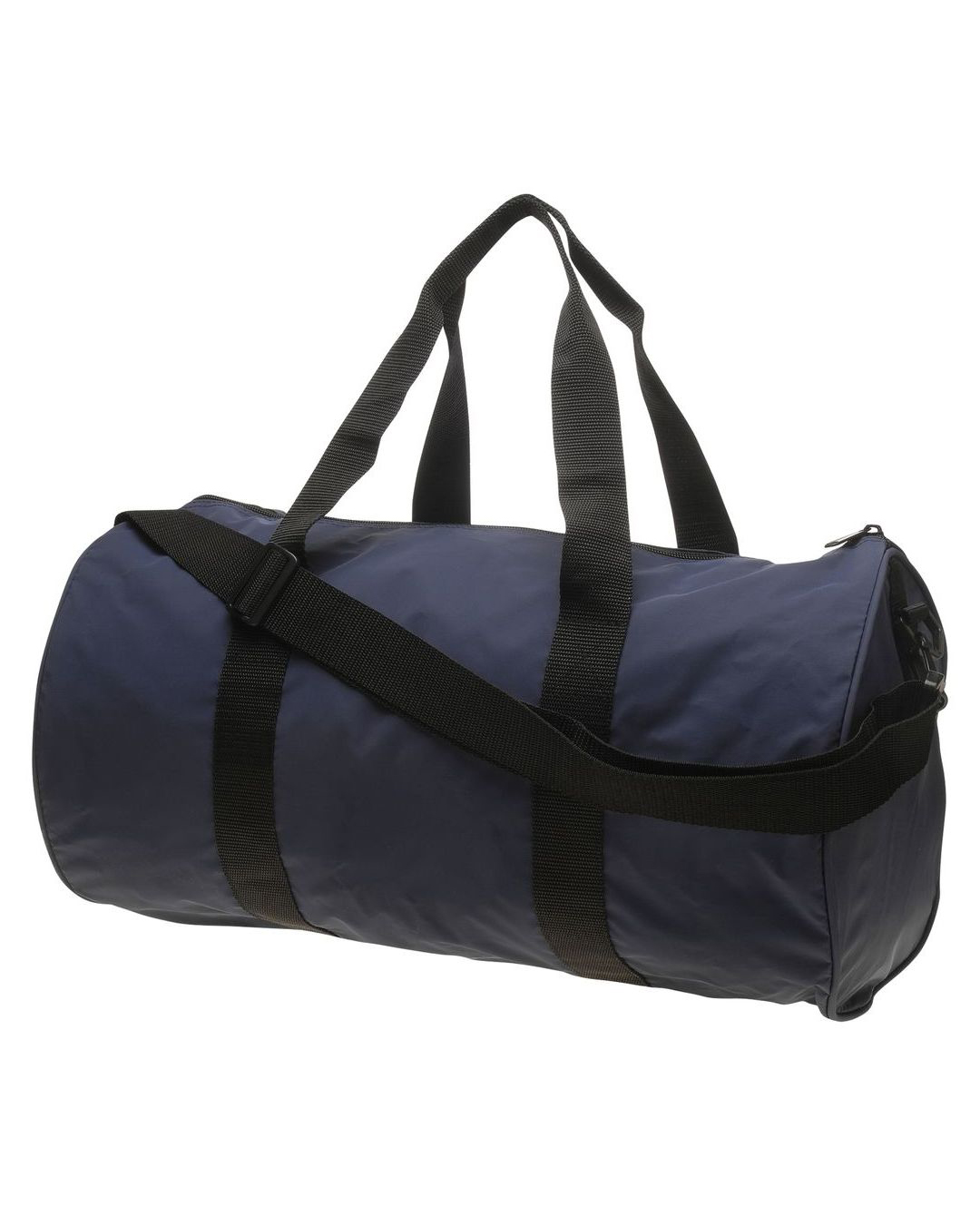
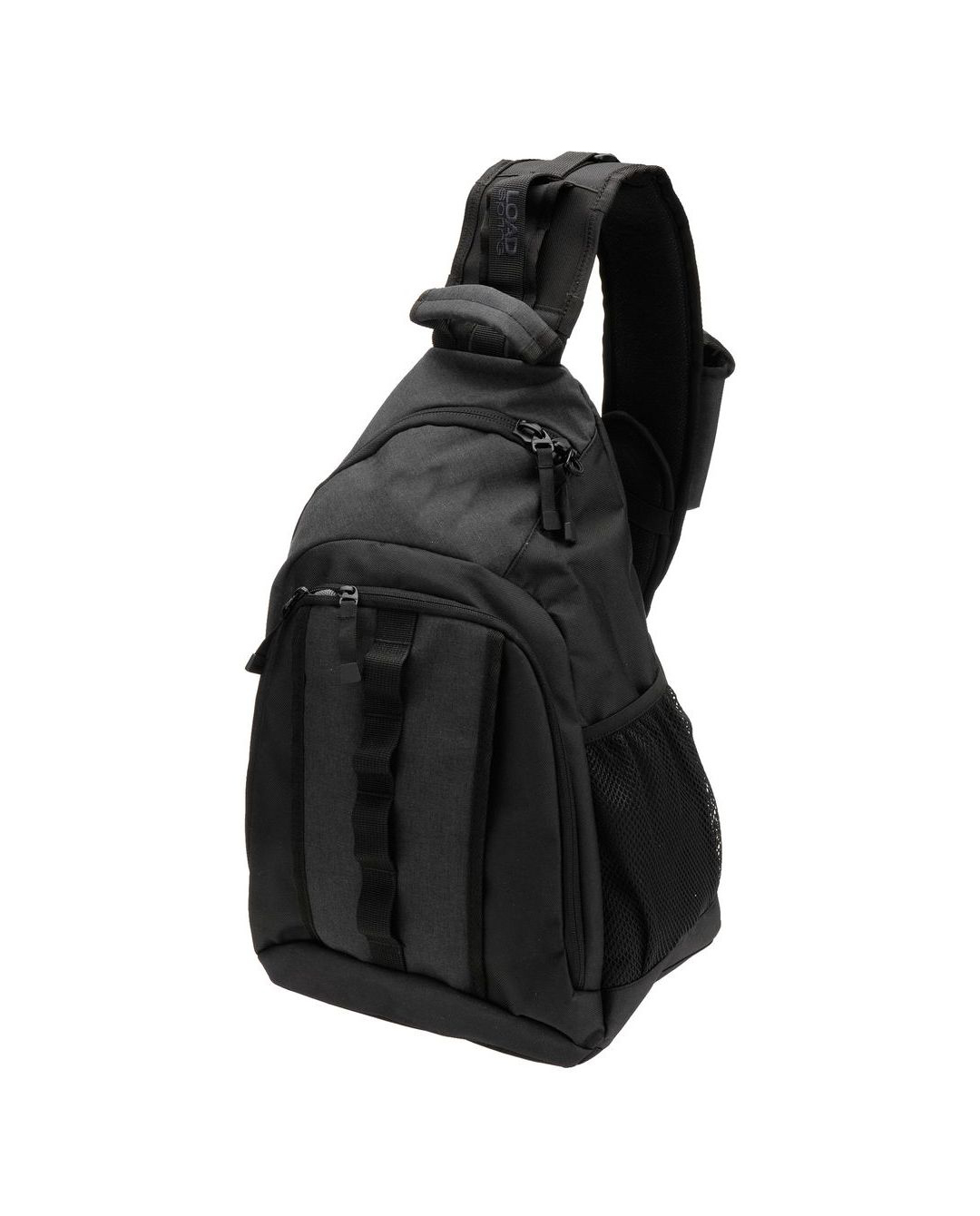
This is a demonstration store. Dates and prices follow its configured rules. You can explore the calendar and checkout without placing an order.
A clearer day for your team
Turn customer choices into a schedule your team can work with. Manage methods and booking rules in Magento admin, see where capacity is filling up and export the day’s deliveries.
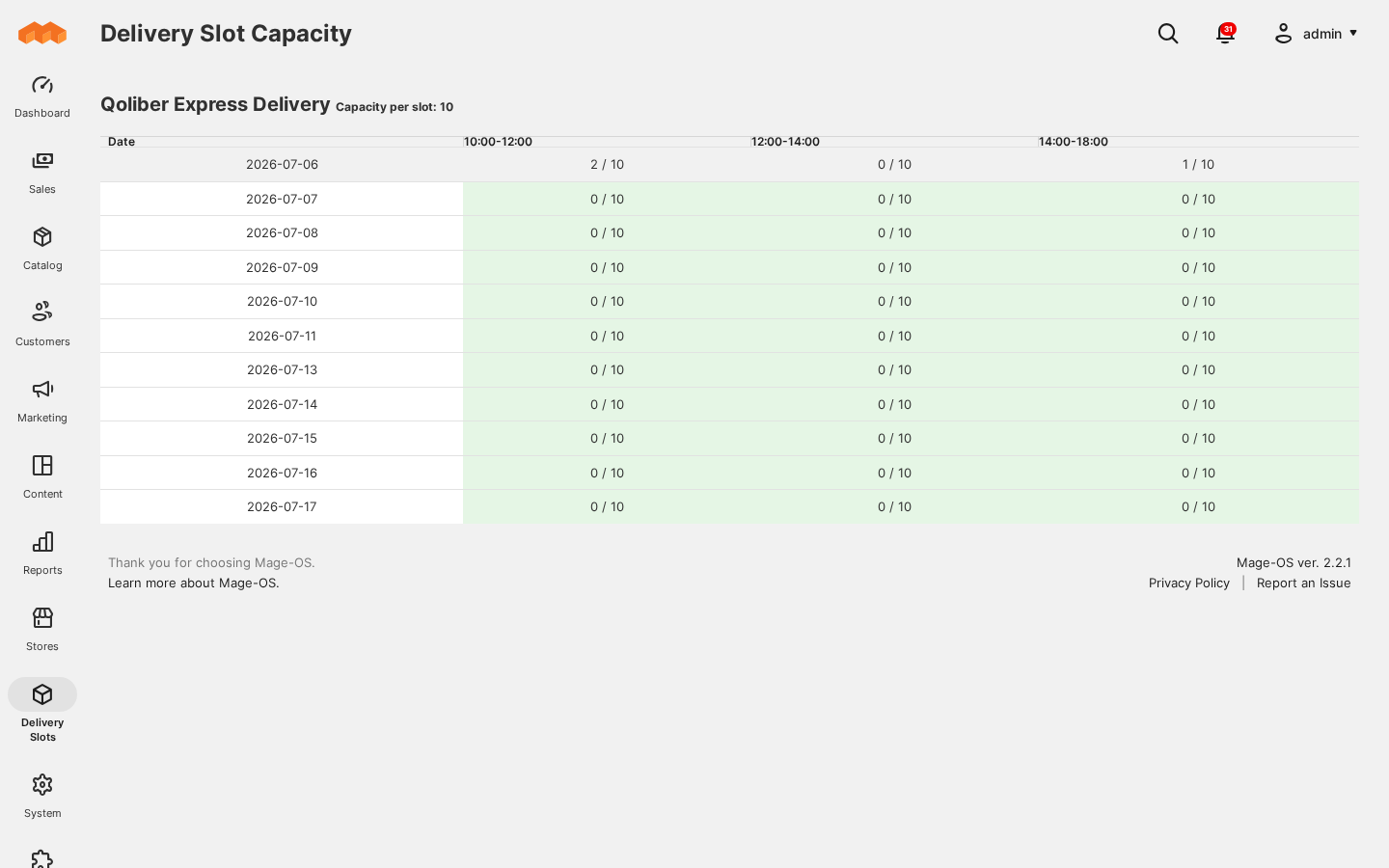
Feels at home in your storefront
Use the core module with Luma, or add the Hyvä Theme and Hyvä Checkout companions. The experience fits the storefront your customers already know.
Good to know
Want to discuss your own delivery workflow?
Talk to the qoliber team
You decide. Merchants can make slot selection required or optional. When required, shoppers using a supported checkout must choose a window for the delivery method they selected.
The calendar follows the configured weekdays, lead times, cut-offs, holidays, blackout dates and capacity. A time window that has already started is no longer offered.
The header creates a temporary hold. Active holds use capacity while shoppers make their choice; abandoned holds expire automatically. Placing the order creates the confirmed booking.
Each method has its own delivery windows and capacity. A time selected for one service cannot automatically book a place for another. Choose a slot from the new method’s available calendar.
Yes. Enable rescheduling and delivery cancellation in My Account, with the cut-off rules that suit your operation. Your team can also manage bookings from the order in admin.
Ask us for a walkthrough of delivery methods, schedules, pricing, booking capacity and the order workflow.
Your schedule. Their choice.